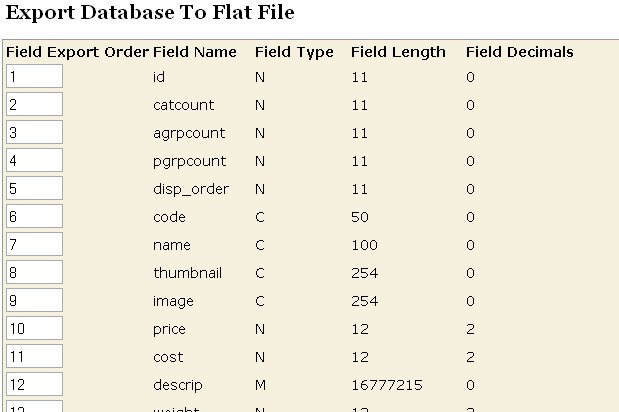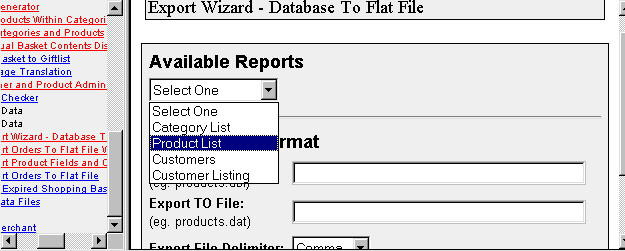
This export wizard module creates a flat file from your Merchant databases. You can select any of your Merchant databases under your store directory. It will display the file structure. You can then change the order that the fields will export on each line. You can even exclude fields by deleting their export order number. Once a report is run, as a time saver, you can save the export parameters for use again. The first screen below shows a list of pre-saved reports in this store. By picking one of those, I do not have to identify the file names and export field order again.
| Screen shot showing the first step in the administrative interface |
| Screen shot showing the second step in the administrative interface |