The inventory management allows you to track stock levels of your products online. As orders are fulfilled, the level is decremented.
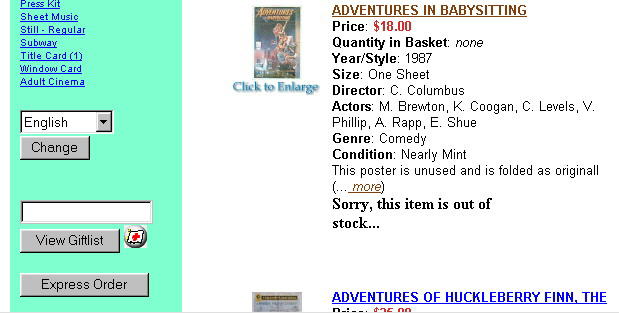
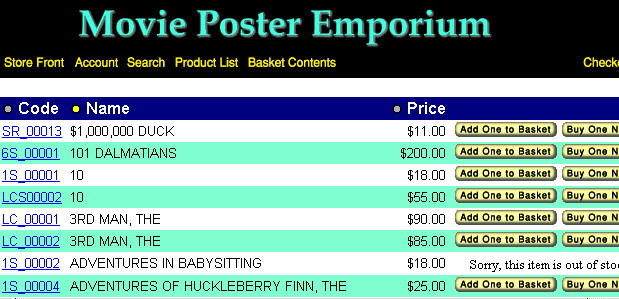
Customers can be blocked from ordering when levels reach zero. They can also be blocked from ordering more products than are on-hand.
Optionally, the inventory management module will email the store owner when the inventory level reaches the store owner's "trigger level".
You need to have a field in your products database called quantity and you have to supply the initial quantity levels. If you don't have the ability to add that field to your products database, we can do it for you at no additional charge.
| Screen shots showing zero stock level order blocking |